If you're a paid Deezer subscriber, you can use Siri voice commands to play your music on Apple’s HomePod and HomePod mini without using AirPlay. All you have to do is say what you want to listen to.
Sometimes you need the right tunes to keep you going throughout the day, like getting amped for work, doing an assignment, or cleaning your room or home. Why stop what you’re doing to manually connect your music from Deezer to an output device? Here's how to let Siri do that for you.
Stream Your Music From Deezer, Hands-Free
Previously, you could only listen to Deezer via Apple Airplay. That meant you had to put your fingers to work to set up the music you wanted to hear on your speaker or TV. Thankfully, that’s a thing of the past, as Deezer now works directly with HomePod.
If you have a HomePod or HomePod mini speaker, Siri is your go-to DJ. Simply tell Siri what you want to listen to and you’re good to go.
You must be a paid Deezer subscriber on the Premium, HiFi, Family, or Student plan to use this feature. You also need OS 14.3 or a later, and have the latest software on HomePod, if you want to use voice to issue commands to Siri.
Deezer on HomePod and HomePod mini is available in Australia, Canada, France, Germany, Japan, Mexico, Spain, UK, and the US.
How to Listen to Deezer on Your Apple HomePod or HomePod Mini
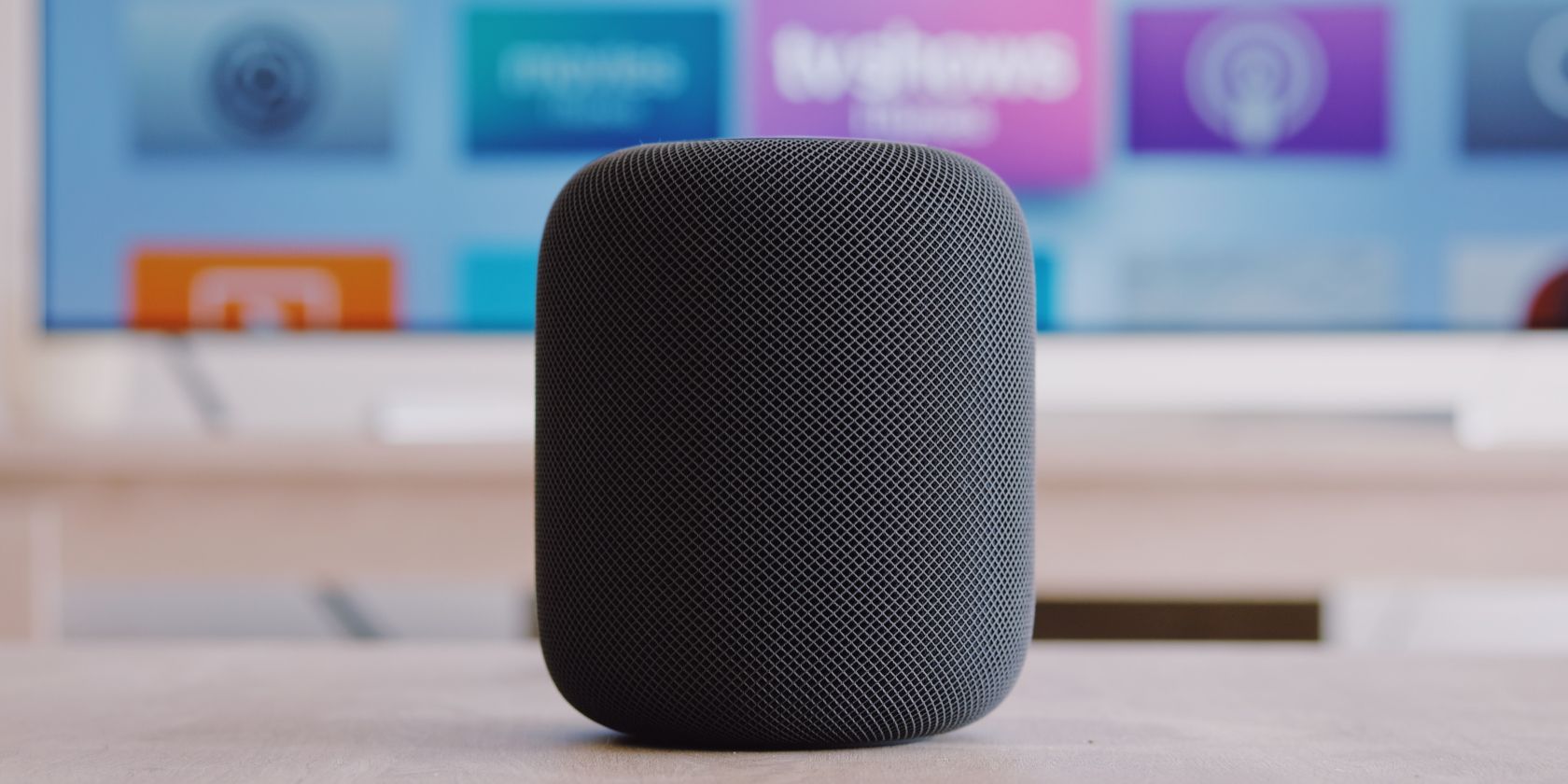
HomePod lets you issue voice commands that are quick and easy to remember. First, you’ll have to connect your Deezer account to your HomePod speaker in Deezer's iPhone app before you can start making music requests directly to Siri.
To get started, follow the easy steps below:
- Open your Deezer app.
- Select Settings in the top right-hand side of your screen.
- Scroll down and tap Connect with HomePod.
- Now tell Siri what to play for you from Deezer on your HomePod or HomePod mini speaker by simply saying, “Hey Siri, play [insert your favorite artist] on Deezer.” For example, “Hey Siri, play Lauryn Hill on Deezer.” Just make sure you add “... on Deezer” at the end of your command if you haven’t set Deezer as your default music player.
How to Make Deezer Your Default Player
There’s a better way to play your favorite tracks from Deezer on your HomePod speaker without going through the hassle of specifying the streaming service you want to use. You simply need to set Deezer as your default player on Apple’s Home app. Here’s how:
- Tap the house icon in the top left of Apple’s Home app and go to Settings.
- Tap on your face under the People section.
- Go to Default Service and choose Deezer.
What Can You Play on Your HomePod Speaker?
Deezer’s voice control feature gives you a host of options to enjoy your music. You can play specific songs, artists, albums, and playlists. As with other music streaming services, you can also like (or dislike) tracks, repeat songs, or shuffle your music.
For a more enhanced music experience, Deezer HiFi subscribers can listen to music from Deezer’s HiFi Room on your HomePod or HomePod mini speaker. These are uncompressed music files which give you CD-quality music streaming for an unmatched listening experience.
A Hands-Free Music Solution for Your Convenience
Playing your music on Apple's HomePod speaker is the hands-free solution you’ve been needing from Deezer. Send your song requests to Siri to start enjoying your favorite tunes in a matter of seconds.
Comments
Post a Comment